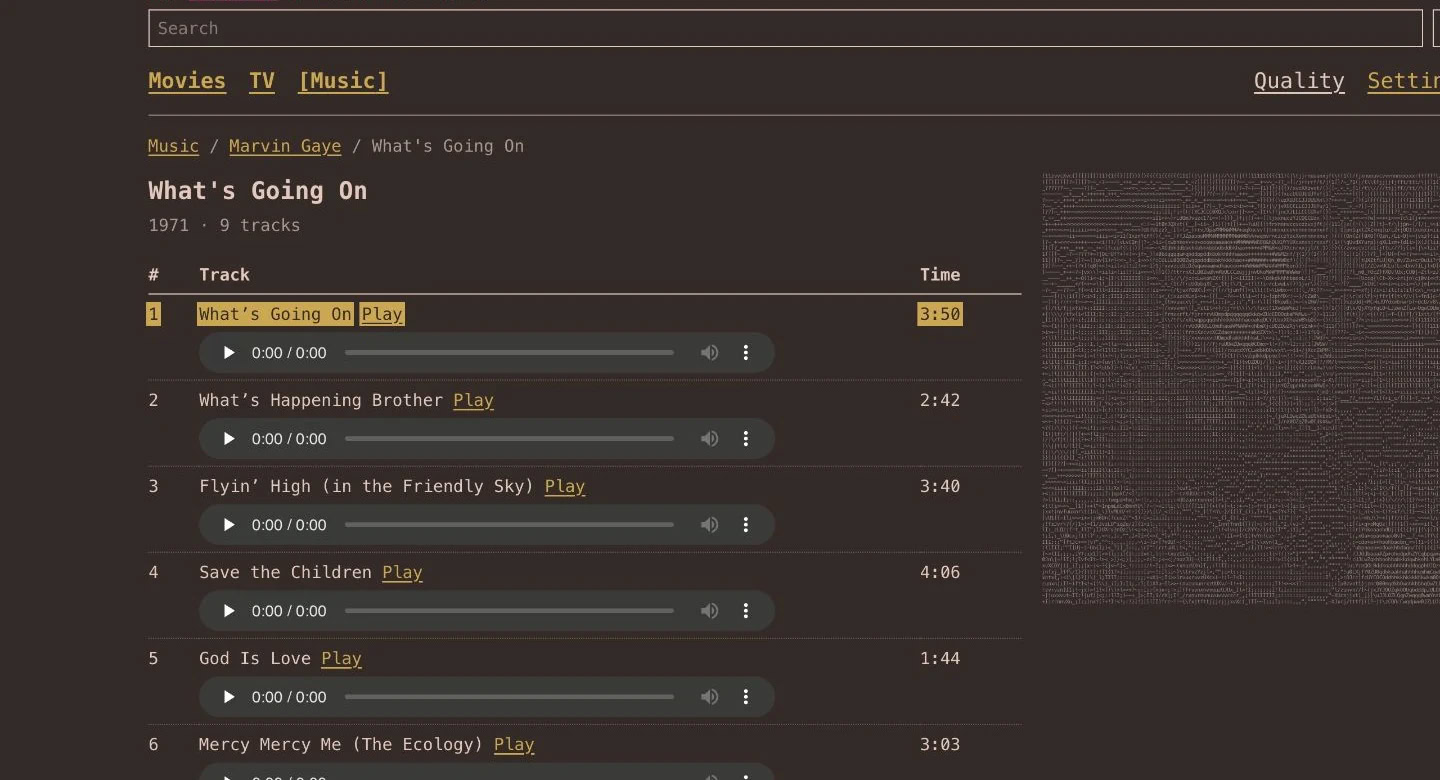

Switch to Text UI
Text UI is available in the Pixel Brite web app and the live demo.
Open Appearance settings
In the web app, go to Settings → Appearance.
Choose Text
Select Text as the presentation. Choose artwork colors or a custom palette.
Browse a library
Open Movies, Shows, or Music to browse compact lists. Select a column heading to change the sort order.