

Pixel Brite Media Server
Stream a media library from a Mac, PC or NAS.
Media Server organizes movies, TV and music in one place and delivers them to the Apple apps or a web browser. Add media folders or import a Plex or Jellyfin library to get started.
Try the browser demo. Apple app availability
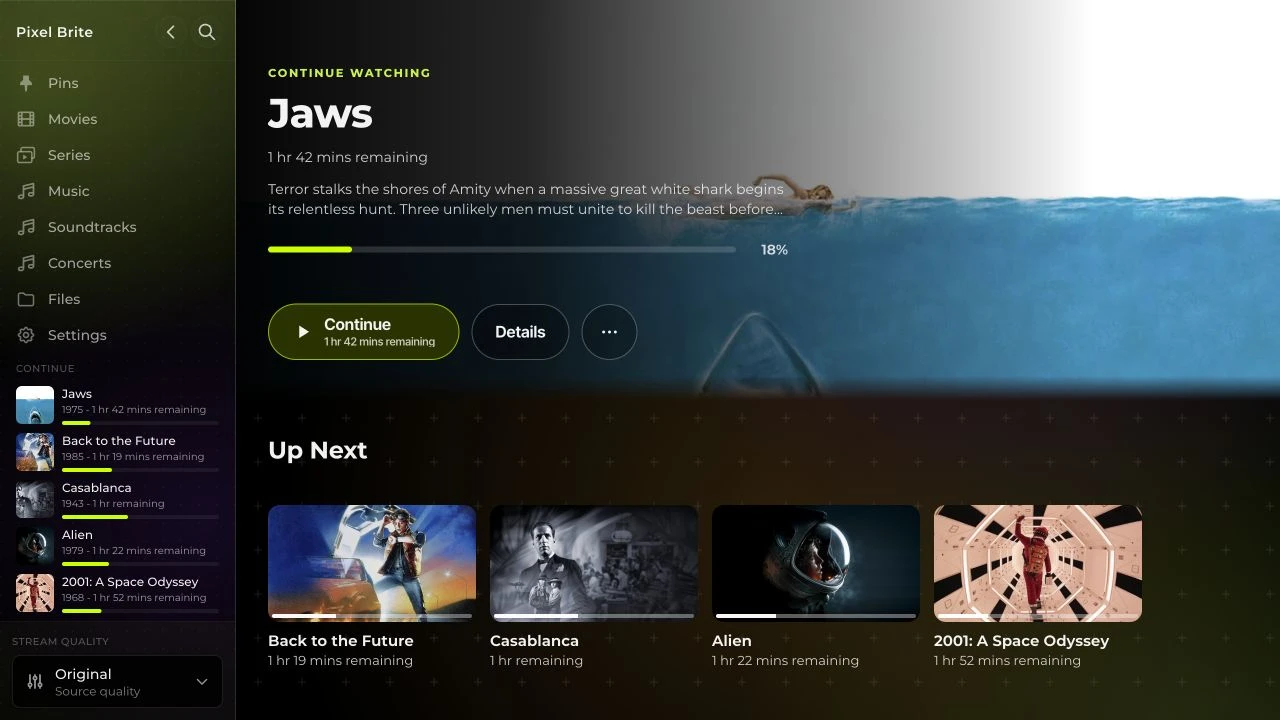
Organize media once for every connected screen.
Add folders to Media Server and let automatic matching identify movies, episodes and music. The resulting catalog brings together posters, album artwork, cast and track information.
Connected devices browse that catalog and stream the selected media from the server. Adding or organizing content on the server makes it available without rebuilding a separate library on each device.
Import libraries from Plex or Jellyfin.
Bring an existing catalog into Pixel Brite through its library import support. Then choose which imported libraries each profile can access.
Explore ProfilesStream away from home without port forwarding.
Connect an Apple app to Media Server once. It can reach the server at home or remotely, without requiring router port-forwarding rules.
Watch and listen through the included web player.
Open the server in a desktop or mobile browser, including on Android. Sign in to browse movies, episodes and albums and play them on that screen.
Explore the browser demoApple app integration
Browse the catalog even when the server is offline.
The Apple apps keep a synchronized catalog on the device. Browsing doesn’t require a fresh server request for every screen, and remains available when the connection drops.
Explore the Apple appsStream with native playback.
The server supplies the media while the Apple app handles playback with the device’s video and audio capabilities.
Download media before disconnecting.
Download movies, shows, and albums in the Apple apps. Keep watching and listening when there’s no connection.
Manage access per profile.
Choose specific libraries for each person and revoke a connected device’s access when needed.
Before installing Media Server
Does Media Server need to stay on?
Yes. The computer or NAS running Media Server needs to be on and connected to stream its library or sync changes. The native apps can still browse their synchronized catalog and play completed downloads offline.
Does it come with movies and music?
Media Server organizes and streams the movies, shows, and music added to its library. It does not include a streaming subscription. The browser demo shows a sample collection.
Do the Apple apps always need a server?
The apps can also play directly from files, network shares, and cloud storage. Media Server adds a shared family library, personal profiles, and streaming across connected devices.