Pixel Brite · Books
Your own books on iPhone, iPad, Mac and the web.
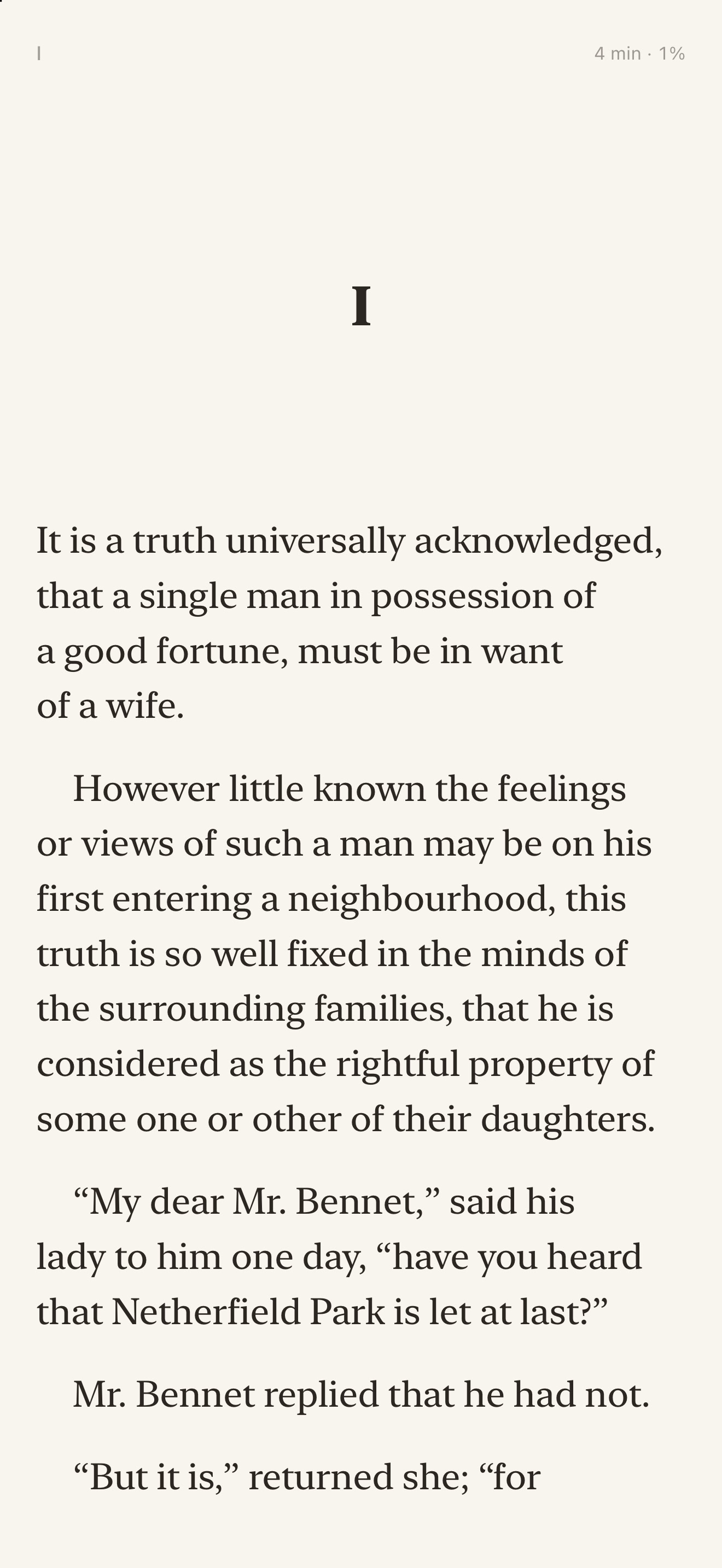
Add a folder of books to Pixel Brite Media Server. EPUB, Kindle, PDF, comics and Word documents appear in one library with their covers, and you don’t have to convert any of them. Open a book on any device and it opens at the page where you stopped, with your highlights and notes.
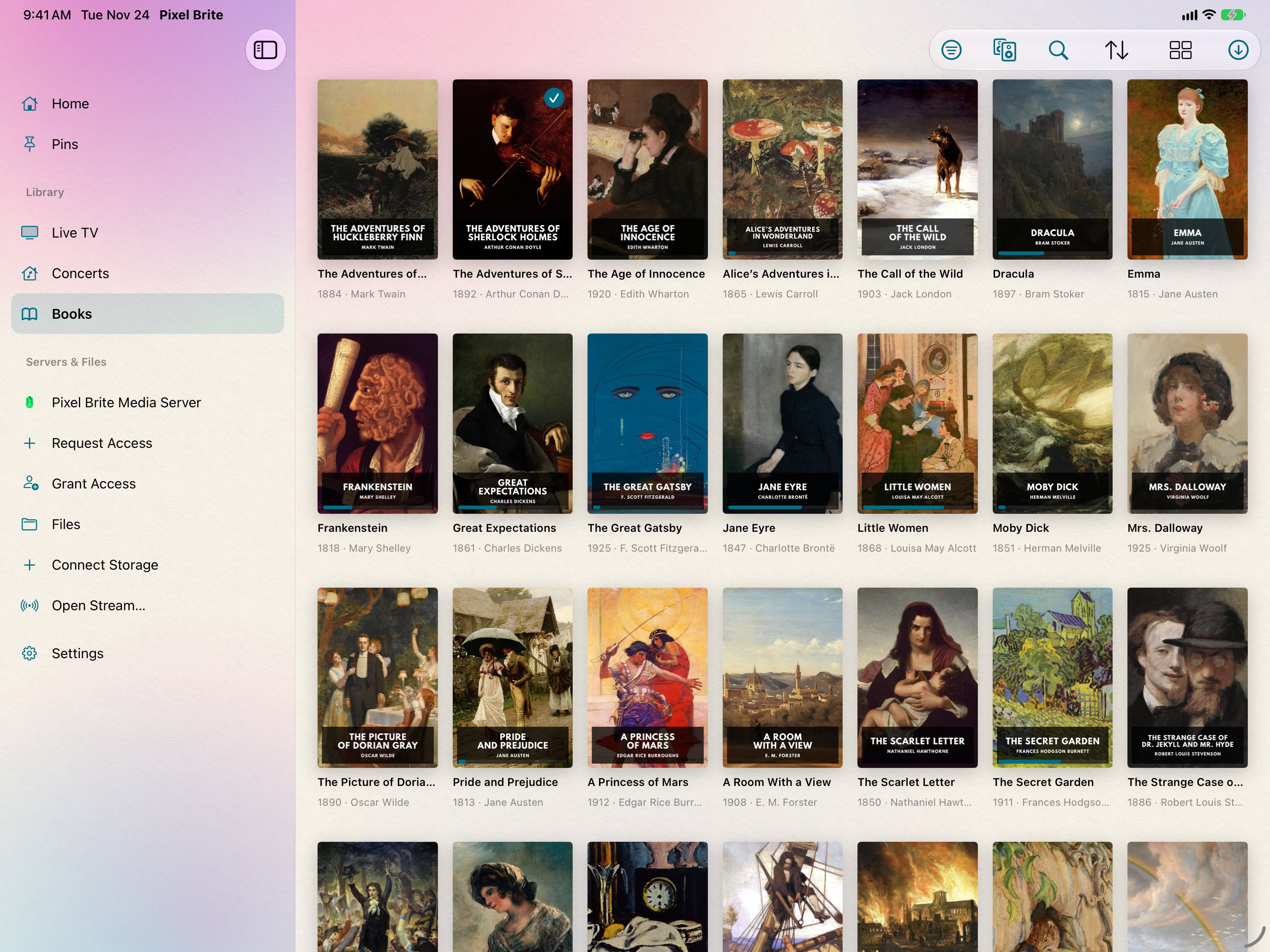
EPUB, Kindle, PDF and comics in one library.
Pixel Brite takes each book’s title, author, series, description and cover from the file, and each cover shows how far you’ve read. Files that need converting are converted on your server automatically. Your original files aren’t changed, and there is nothing else to install.
- EPUB
- Opens as is, including the EPUB folders Apple Books keeps on a Mac.
- Kindle
- MOBI, AZW and AZW3 open as is. KFX is converted to EPUB.
- Opens with its outline, so the contents take you to each chapter.
- Comics
- CBZ opens as is. CBR and CB7 are repacked as CBZ, page for page.
- Documents
- Word (DOCX), OpenDocument (ODT) and RTF files are converted to EPUB.
- DjVu
- Converted to PDF with its searchable text, outline and links.
- Plain text and more
- FB2, FBZ, TXT, Markdown and HTML.
If a title, author, series, year, description or cover is wrong, fix it in the library’s details editor. Your correction is kept when the library is rescanned. Books protected by DRM are listed in the library but can’t be opened.
Set up the page the way you like to read.
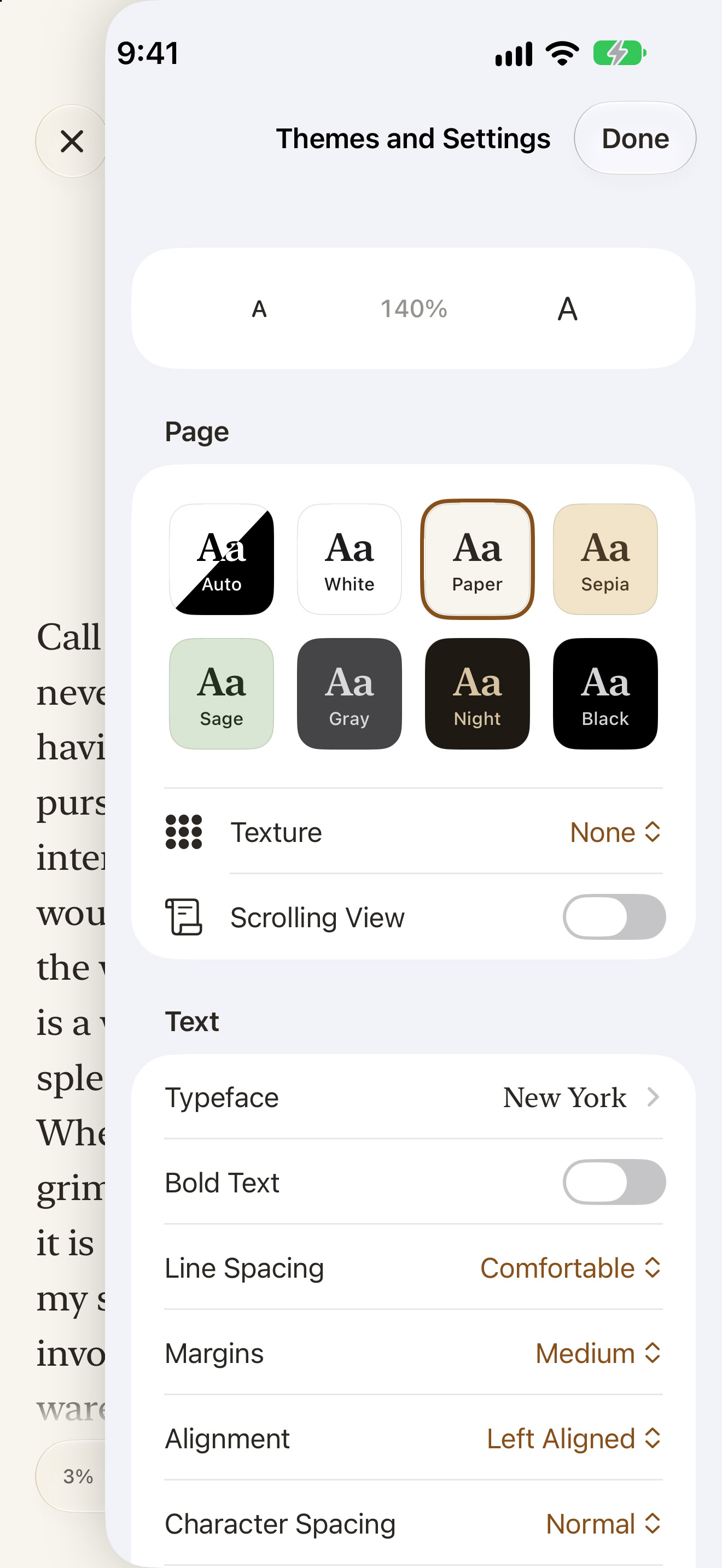
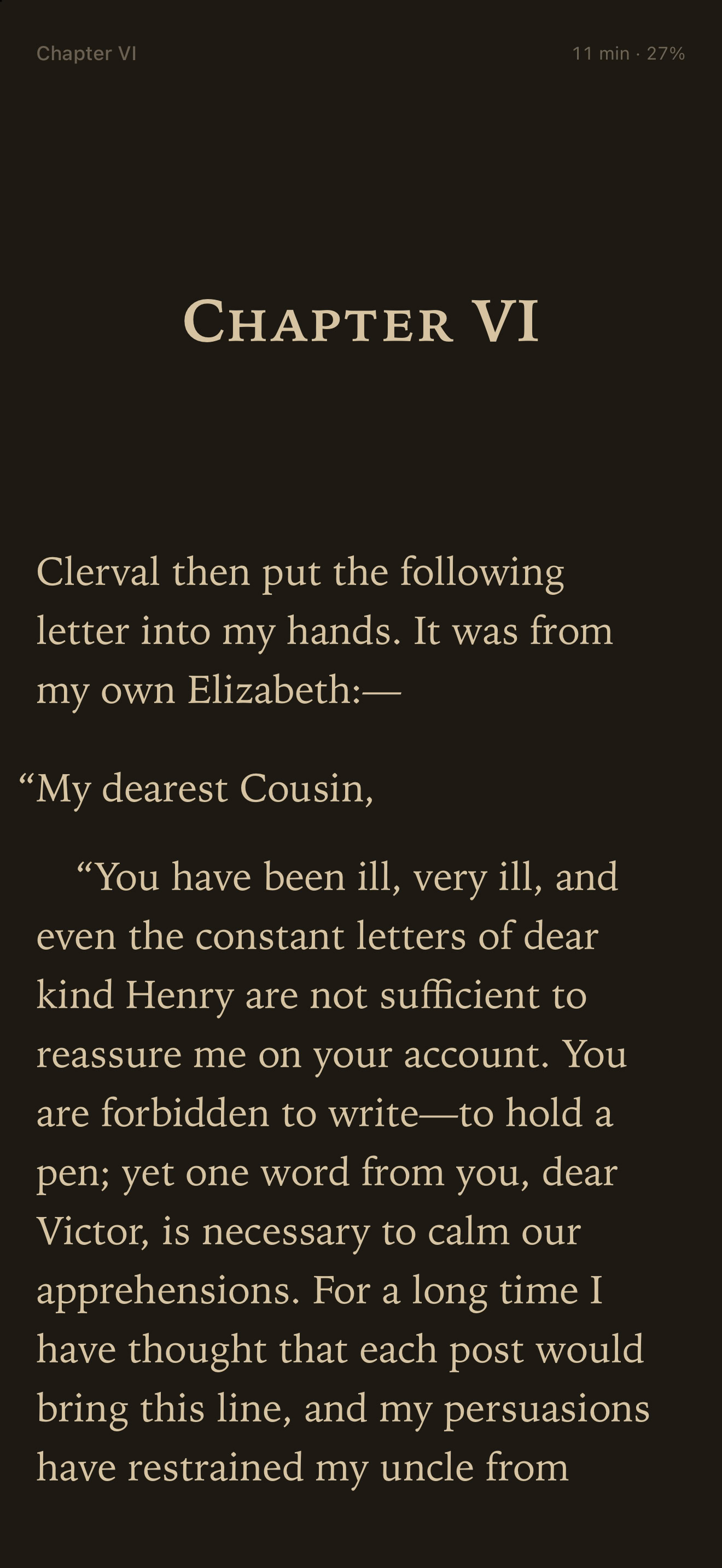
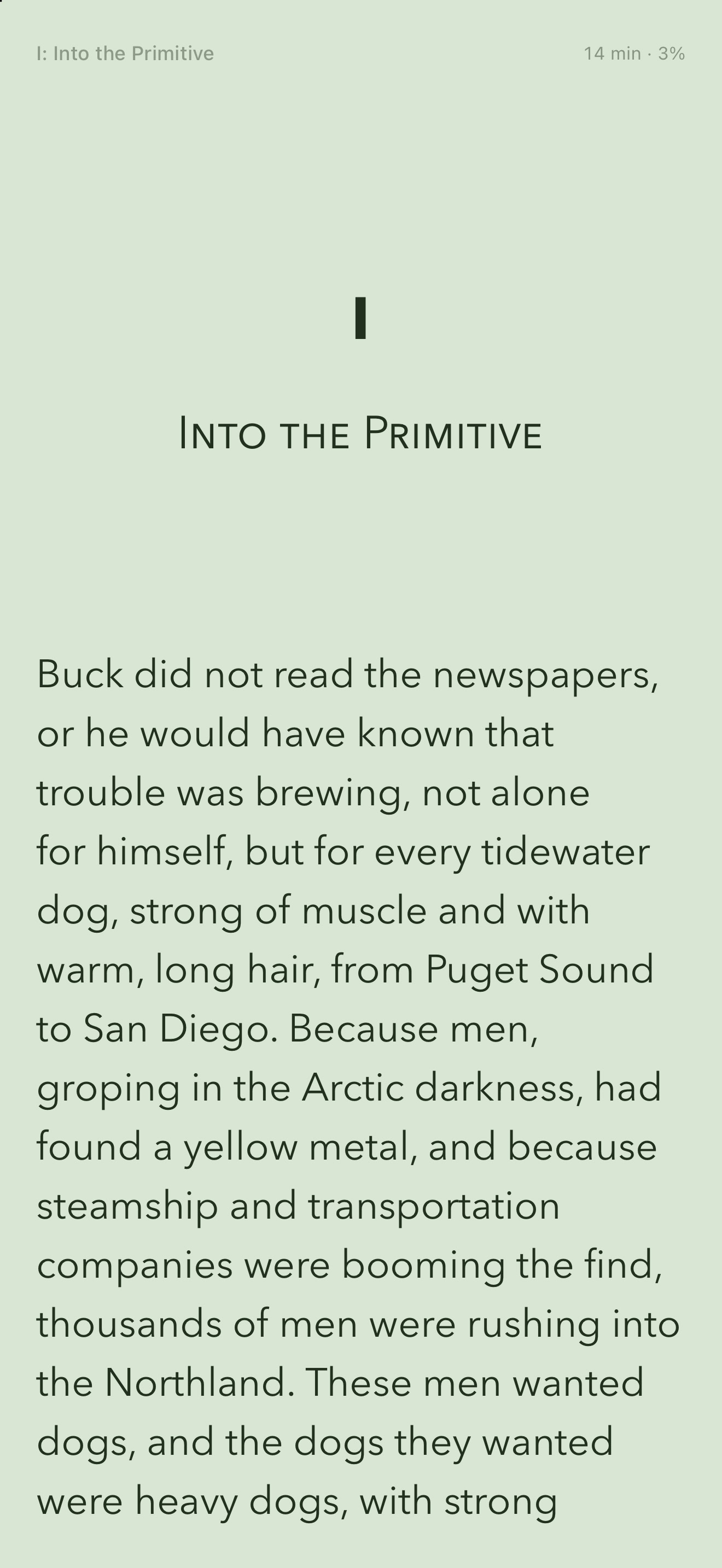
Change the page color, typeface, text size and spacing in Themes and Settings. The page updates as you choose, and your settings apply to every book.
Page colors
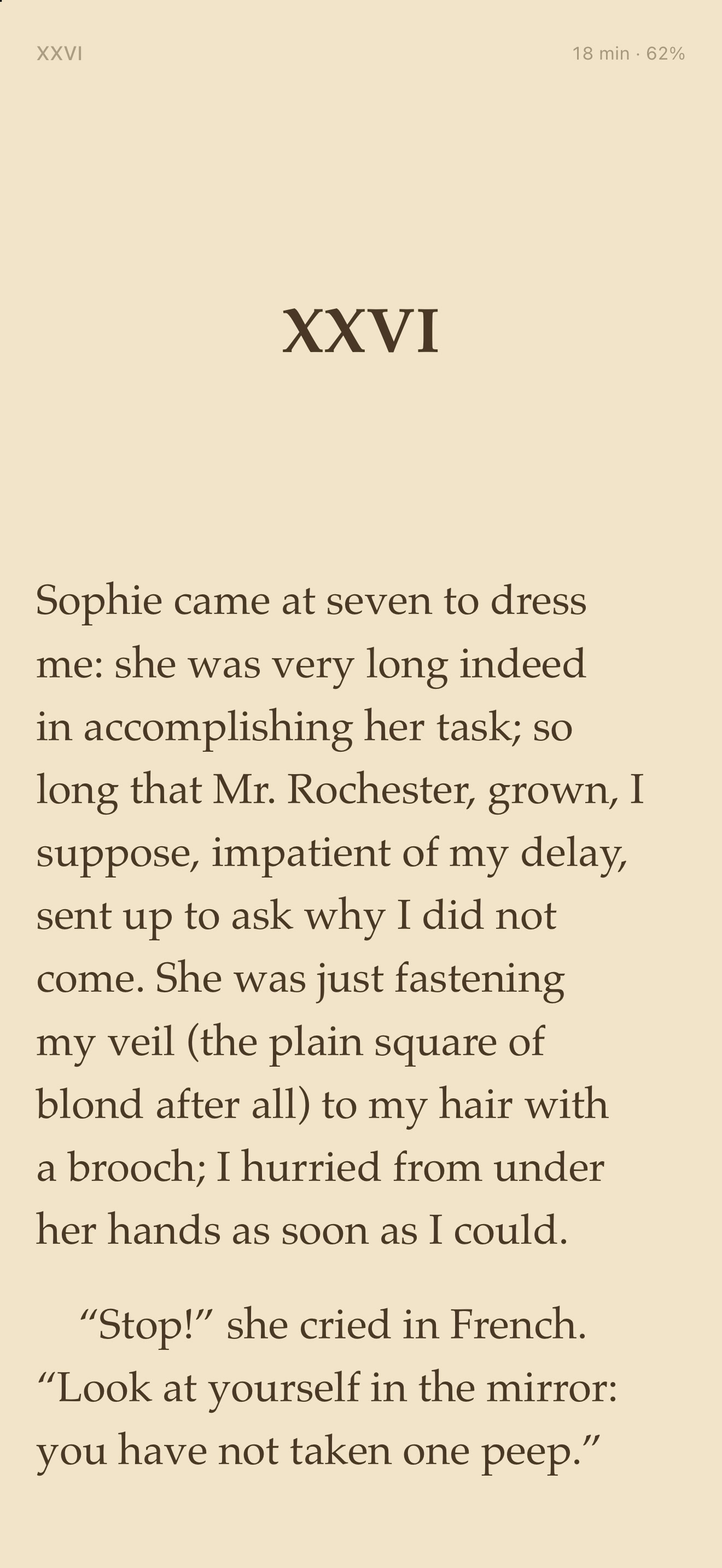
White, Paper, Sepia, Sage, Gray, Night and Black, or Match Appearance to follow light and dark mode. Night is amber text on a dark brown page.
Type
New York, San Francisco, Athelas, Charter, Georgia, Iowan, Palatino, Seravek or Avenir Next, bold text, and sizes from 70% to 200%.
Layout
Line spacing, margins, character and word spacing, and left-aligned or justified text with hyphenation. Turn on scrolling to read the book as one continuous column.
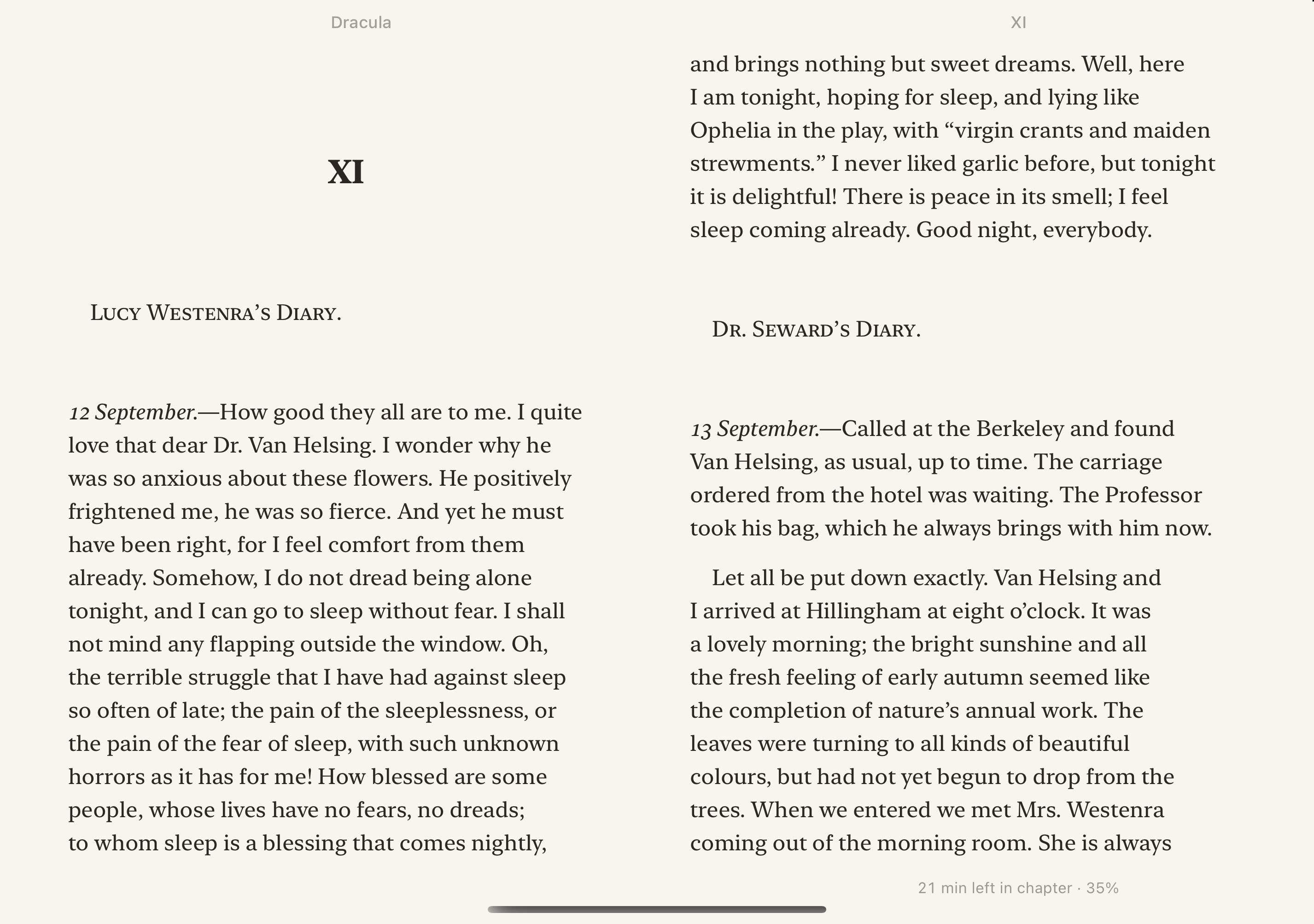
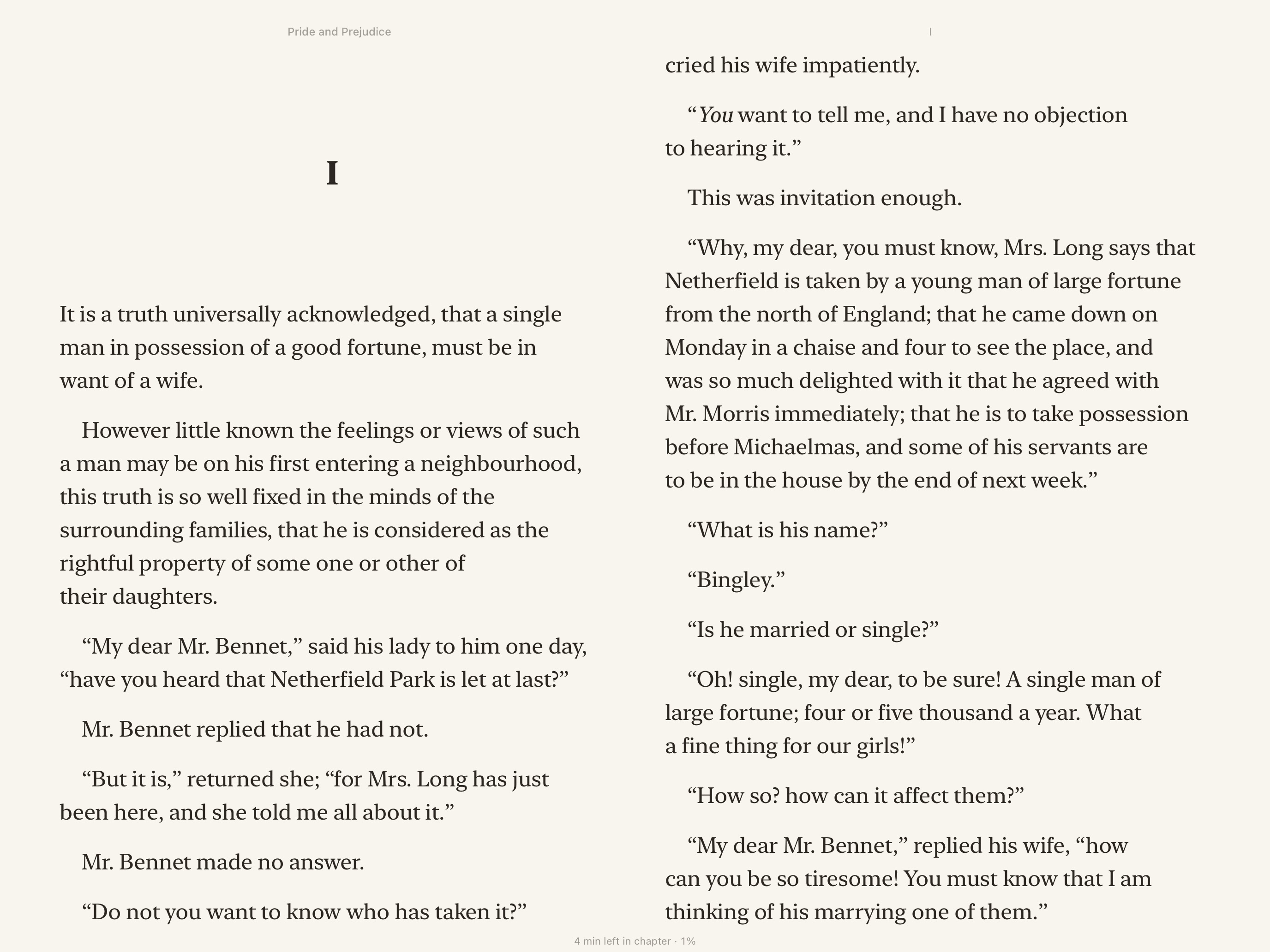
Two pages when the screen is wide.
Turn iPhone or iPad sideways and the book opens as a two-page spread. Unfold iPhone Duo and each page sits on its own side of the fold, so no text or control crosses the crease.
Highlight, write notes and look up words.
Select text to highlight it in yellow, green, blue, pink or purple, add a note or copy it. On iPhone, iPad and Mac you can also look up a word in the dictionary. The book’s contents lists every highlight and note in book order. Choose one to go to its page.
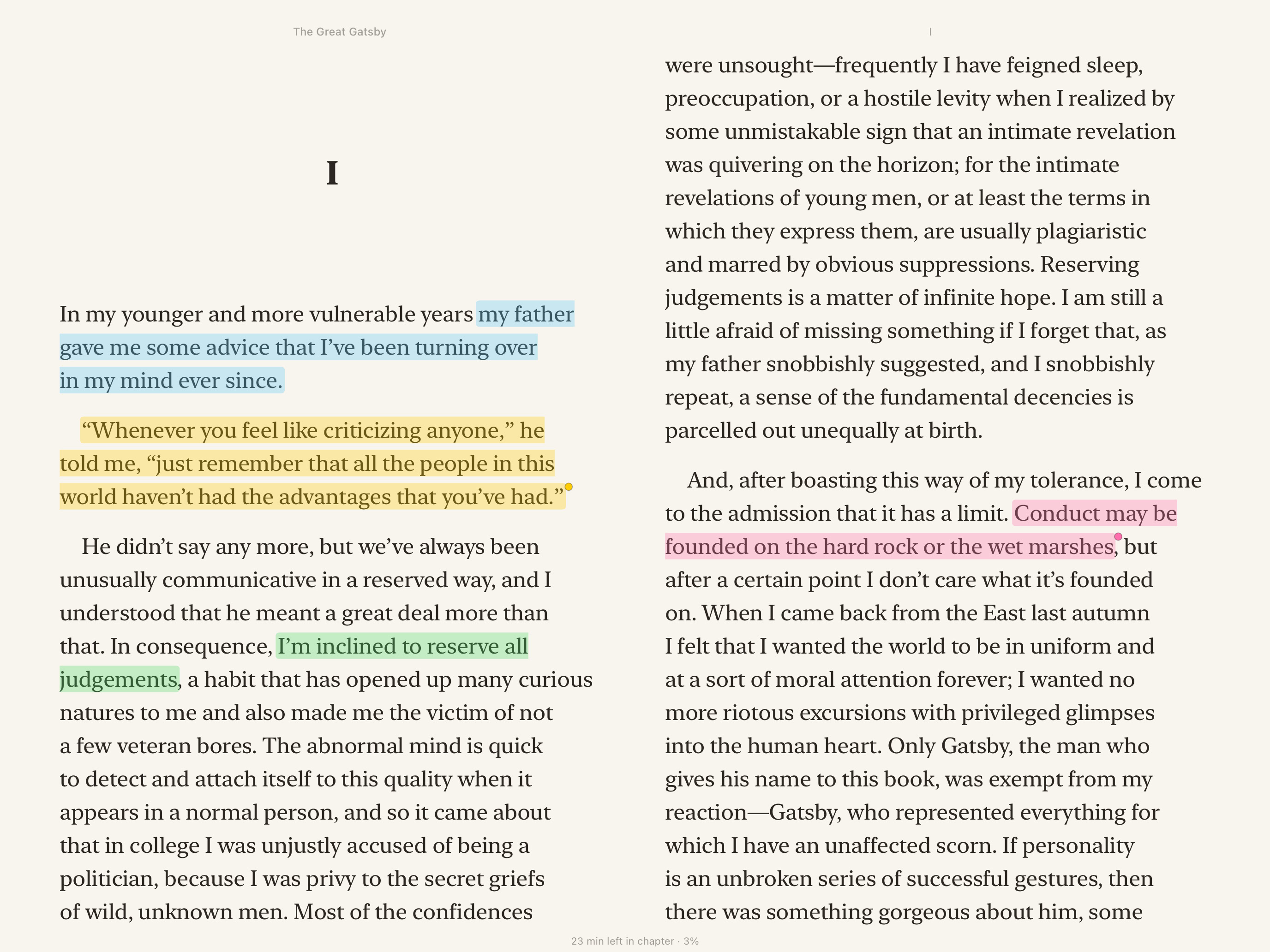
Highlights and notes sync through your server to iPhone, iPad, Mac and the web. Ones you make offline are sent when the device reconnects. Highlights work in EPUB, Kindle and other books whose text reflows to fit the screen.
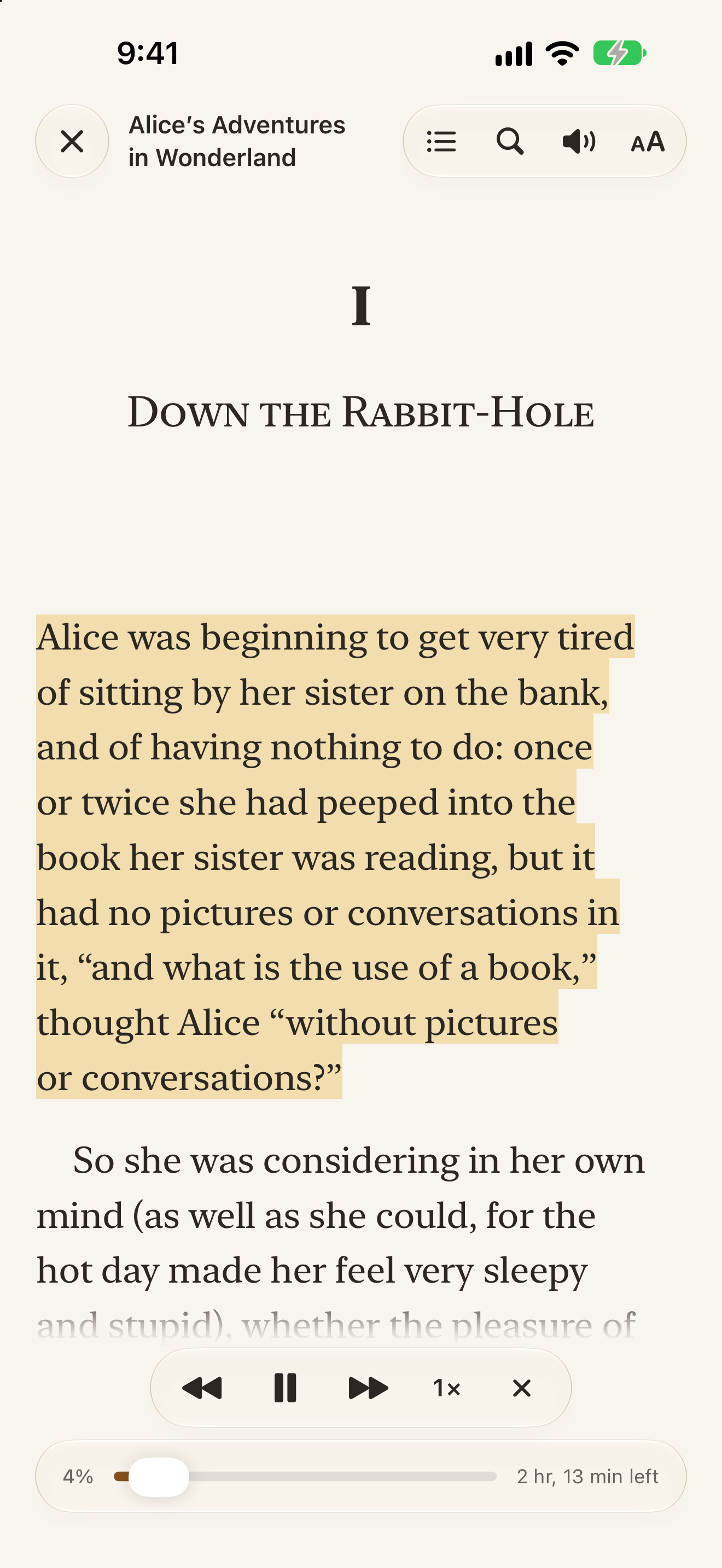
Listen to the book.
Read Aloud speaks the book with the voices on your device. It chooses a voice for the language of the text, or you can pick one. Each sentence is highlighted as it is spoken and the pages turn on their own, so you can read along or just listen. When you stop, your place in the book is where the voice stopped.
Go back or ahead a sentence, pause, and change the speed. Read Aloud works on iPhone, iPad and Mac in EPUB, Kindle and other books whose text reflows to fit the screen.
Pick up where you left off, on any device.
Your place in every book is saved to your server as you read. Stop reading on iPhone, open the book on iPad, Mac or the web, and it opens on the same page.
Read offline
Opening a book downloads it to the device, so you can read without a connection. Your place and highlights are sent to your server when you’re back online.
Continue Reading
Home on iPhone and iPad lists the books you’re reading, with the most recent first.
Private to each profile
Share your books with the other profiles on your server. Each person keeps their own place, highlights and notes.
Find your way around a book.
Search
Search the whole book. Matches are listed by chapter with the words around them, and the one you choose is marked on the page.
Contents and the slider
Jump to a chapter from the contents, or drag the slider, which marks where each chapter starts. After a jump, one tap takes you back to where you were. Books that include their print edition’s page numbers show those in place of a percentage.
While you read
The page fills the screen, and the controls hide when you turn a page. Tap the middle of the page to bring them back. The screen stays awake for ten minutes after each page turn. On iPhone and iPad, drag two fingers up or down the page to change the brightness.
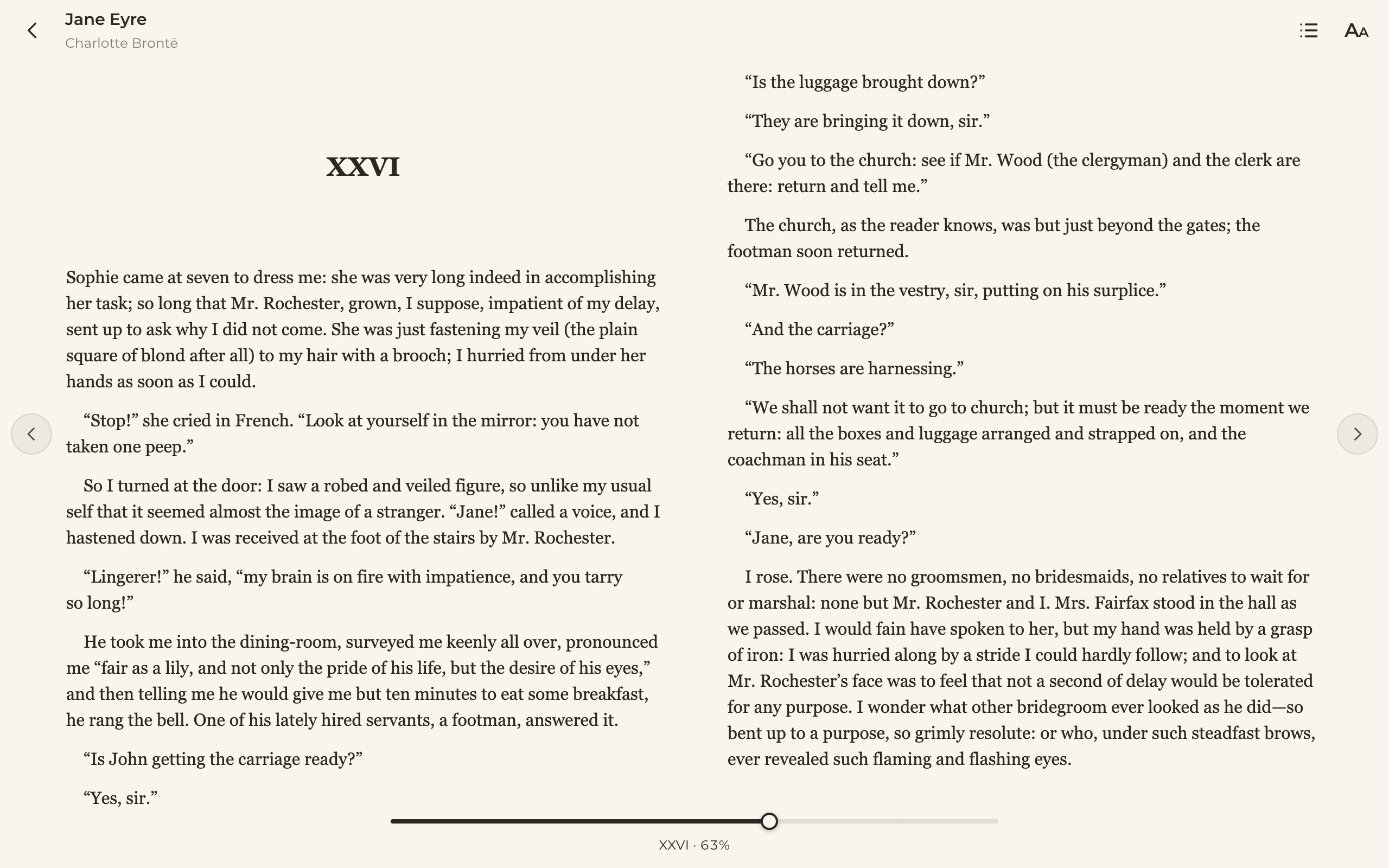
The same reader in a web browser.
Sign in to your server from a browser and read with the same page colors, typefaces, two-page spreads, highlights and notes. The browser keeps each book you open, so it doesn’t download again the next time.
What you need
- Pixel Brite Media Server on a Mac, a Windows or Linux PC, or the Pixel Brite container, with a folder of books added as a Books library.
- The Pixel Brite app on iPhone, iPad or Mac, or a web browser.